LEARN UE5.7 CINEMATIC PRODUCTION
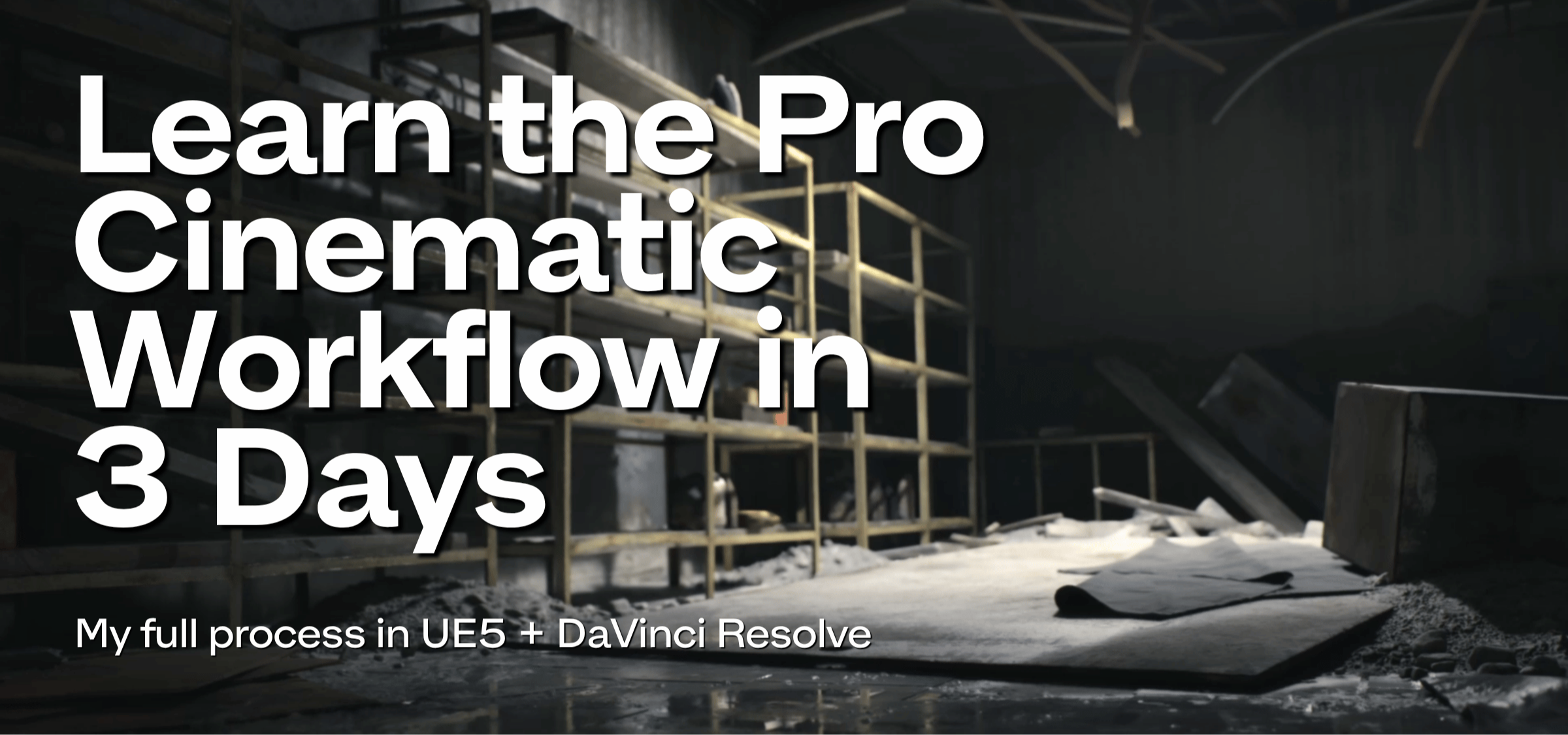
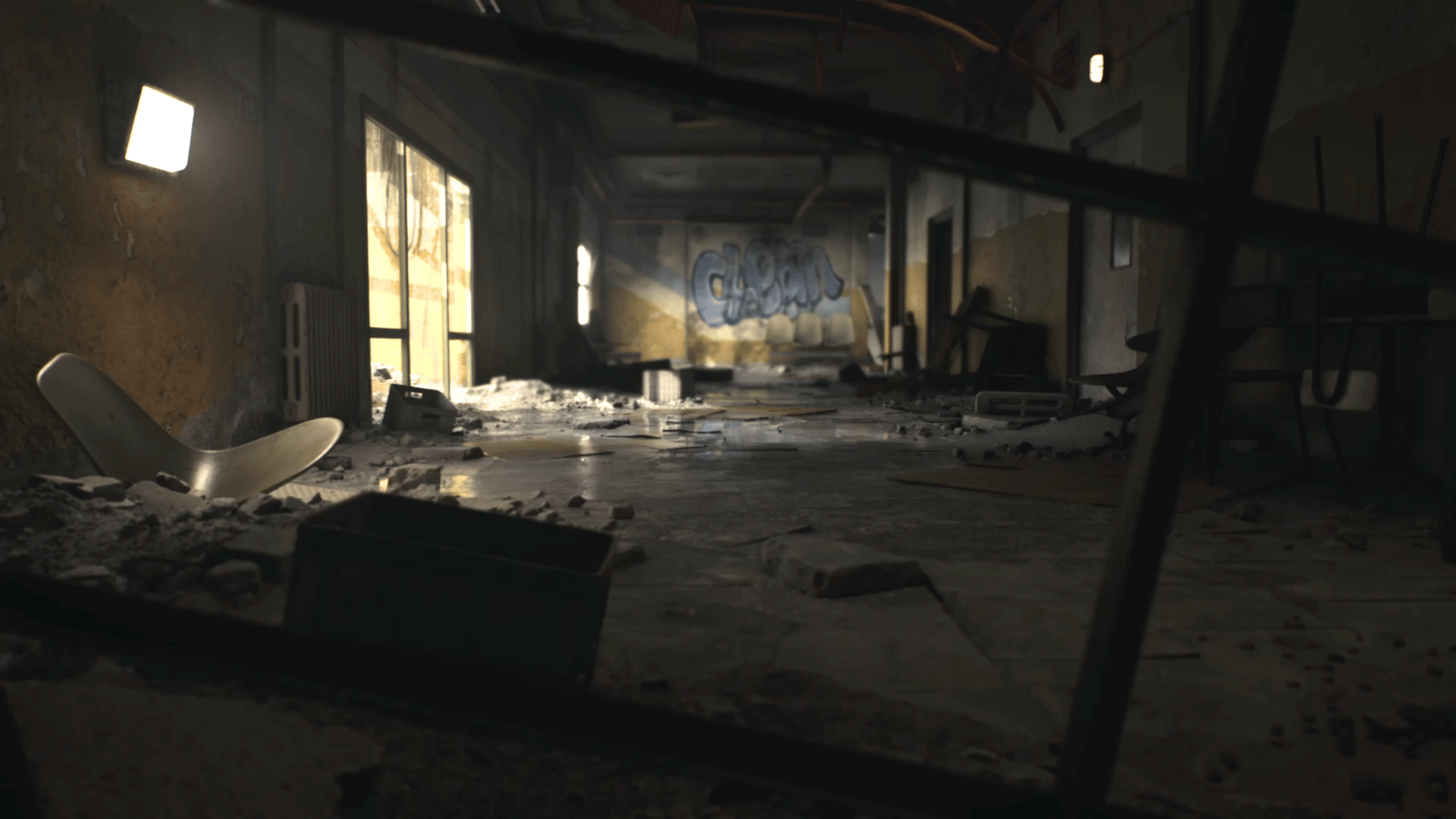
You will create your own Cinematic Trailer in UE5 & DaVinci Resolve.
From full scene customization to EXR rendering, DaVinci color grading, and final delivery.
Programs Built for Artists,
Taught by Experts

See What You’ll Build Inside the Course
Unlock Your Potential
Even if you’re new to cinematics in Unreal Engine 5, you’re in the right place! This Course is led by an experienced Authorized UE5 Instructor who will guide you through the full UE5 and DaVinci Resolve workflow.

Build UE5 Cinematics & Finish Them in DaVinci Resolve
✓ Optimize UE5 Levels, Meshes, Lighting & Post-Process for Cinematics
✓ Build Cinematic Sequences with Cameras, Layouts, Animation & Sequencer
✓ Render High-Quality EXR Sequences Using the Latest UE5 Workflow
✓ Finish Your Trailer in DaVinci with Color Grading, Post-Production & Final Render
📢 → Get instant access - Learn at your own pace, anytime
🎓Course comes with Certificate, officially approved by Epic Games.
The Structure of Your Unreal Engine 5 Course
CHAPTER 1
The Basics
How to install UE5, download FAB assets, basic functions, navigation and hotkeys. This chapter includes:
- 2 Lectures
You will learn the basic functions of UE5. I will show you how to control the viewport, important hotkeys, features of various windows, and what you should pay special attention to.

CHAPTER 2
Level Customization
Learn how to optimize your UE5 level, meshes, build custom cinematic lighting, and create your own post process volume for polished Unreal Engine cinematics. This module includes:
- 6 Lectures
We will prepare our level for the next stages of work. The main focus is optimization, improving scene performance while reducing the load on your graphics card and RAM. I’ll show you how to work with meshes, lighting and post process volumes.

CHAPTER 3
UE5 Cinematics
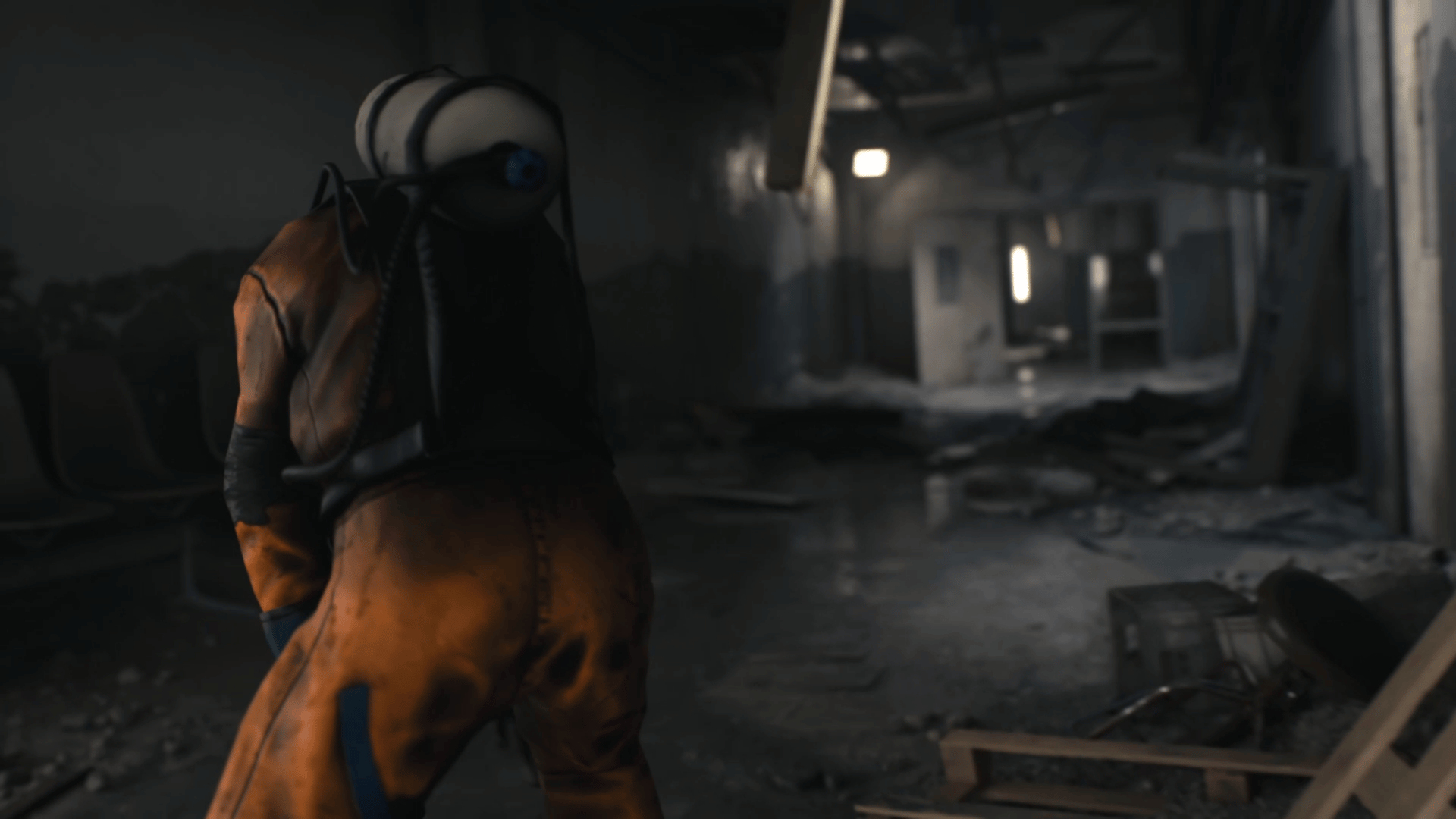
We will build our scenes for our cinematic, and I will show you how to prepare the project for rendering in EXR format + ACES. This module includes:
- 4 Lectures
We will create a layout for our sequence, and build a master sequence. When your cinematic is ready, we will move on to the final stage: preparing our project for high quality rendering.
CHAPTER 4
DaVinci Resolve
We will create a DaVinci Resolve project, add our sequences from UE5 to the Media Pool, and prepare our workspace. This module includes:
- 3 Lectures
You will see my full post-production and color grading workflow. I will show you all the options I like to use when working in DaVinci Resolve. You will learn many different techniques so you can have full control over the final video.
Exclusive offer!
FOR LIMITED TIME
UE5 CINEMATIC PRODUCTION
$299 $47
Try our Course Today
14-DAY MONEY-BACK GUARANTEE!*

HEY, I'M MARCIN!
"For years, I’ve had the opportunity to lead and create projects for some of the biggest companies in the video game industry. I’ll teach you the skills that will make you a better Unreal Engine artist and completely change how you create trailers.
If you want to create cinematic trailers in Unreal Engine 5 and finish them with professional post-production in DaVinci Resolve, this course is definitely the right choice for you. My name is Marcin Grochowiak, and I’ll be your instructor for this course. I’m proud to be an official Authorized Unreal Engine Instructor."


EXCLUSIVE OFFER!
GET INSTANT ACCESS TO
UE5 CINEMATIC PRODUCTION
COURSE
You will get 4 Chapters including 15 Practical Lectures in Premium UE5 Cinematic Production Course Edition ... or 11 Chapters including 40 Practical Lectures in Cinematic Bundle Offer?
Try our Courses Today
14-DAY MONEY-BACK GUARANTEE!*
Download EXR Rendering settings
Why wait? Get started today!